My PC Doctor runs the actual check on your Windows PC. The website's job is only to explain it and get you started.
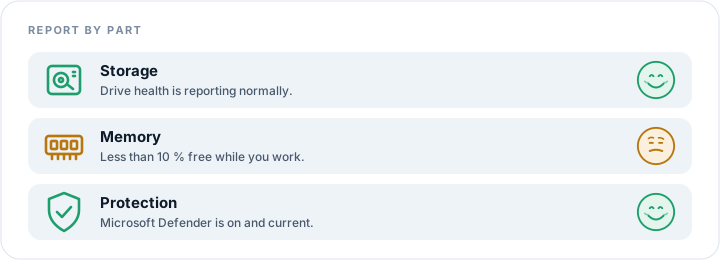
Every check ends the same way: your PC's parts listed one by one, each with a picture of what it is, a line about what it does, and a face that says how it is doing. Anything that needs attention carries numbered steps underneath it.
A website cannot safely read your PC's hardware, drivers or drive health, and it should not try. My PC Doctor is a real Windows application so it can read your system properly — while staying transparent about exactly what it reads and why. Nothing is uploaded unless you agree to it, and a check never runs on its own except the optional weekly one you can switch off.

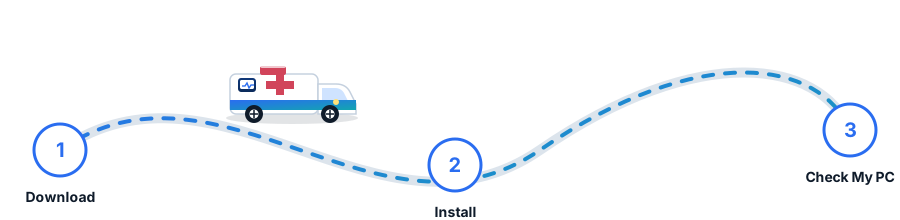
A My PC Doctor ambulance carries your PC to the PC Hospital as the files copy. When it arrives, the app is ready. It installs for your Windows account only, asks for no administrator password, and leaves nothing running in the background except the optional weekly check.
Open it whenever your PC needs a look.
Download My PC Doctor — free